Framer Review
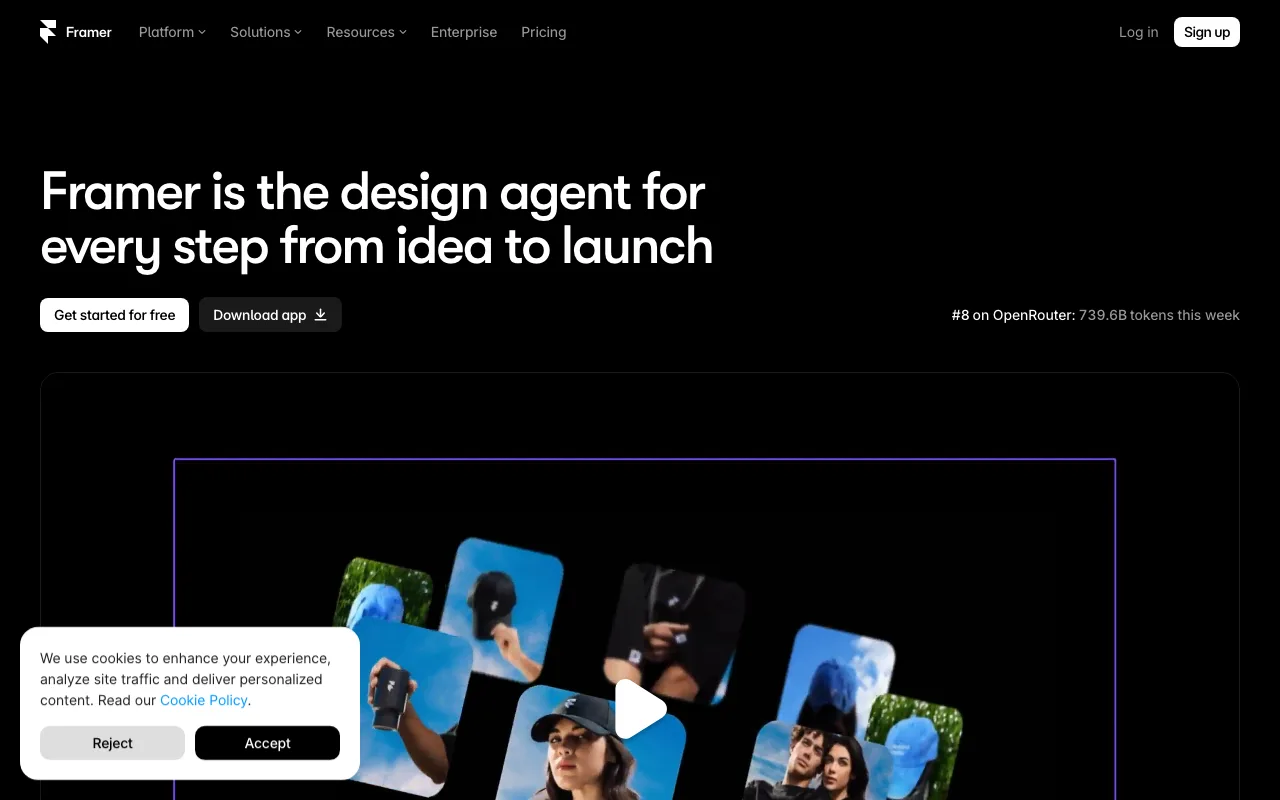
Framer took a design tool's canvas and bolted a very fast publishing platform onto it. For portfolios, startup landing pages and marketing sites, nothing ships polished work faster - as long as you accept that the site can never leave.
Review last updated 2026-08-20 · How we rate hosts
Scorecard
Pros
- The fastest path from design to a genuinely beautiful live site
- Figma-like canvas with layout, breakpoints and components designers already understand
- Best-in-class scroll effects and animations without code
- Sites are static-rendered on a global edge - excellent Core Web Vitals out of the box
- AI page generation and localization built in
Cons
- No site export at all - full platform lock-in
- CMS is capable but shallower than Webflow for complex structured content
- No native ecommerce beyond third-party embeds
- Bandwidth-metered tiers can surprise viral sites
Framer plans & pricing
Promotional monthly rates as of August 20, 2026; most require the listed prepaid term and renew at the higher rate shown. Confirm on Framer's site before buying.
| Plan | Intro price | Renews at | Storage | Sites | Bandwidth | Notes |
|---|---|---|---|---|---|---|
| FreeWebsite Builders | $0/mo | $0/mo | 1 | 1 GB/mo | framer.website subdomain with a small badge; 1,000 CMS items to try the tool | |
| BasicWebsite Builders | $10/moannual billing | $10/mo | 1 | 50 GB/mo | Billed yearly; 150 pages, 2 CMS collections, free custom domain | |
| ProWebsite Builders | $30/moannual billing | $30/mo | 1 | 100 GB/mo | Billed yearly; 10 CMS collections, 2,500 items, expandable page and CMS limits |
Our Framer review
Framer began life as a prototyping tool for product designers, and that DNA is its superpower. The editor is a freeform canvas with the exact mental model of Figma - frames, auto-layout stacks, components, breakpoints - so anyone who designs software feels at home in minutes. The difference is that publishing is one click, and what goes live is a static-rendered site on a global edge network that routinely posts better Core Web Vitals than hand-tuned builds on conventional hosts.
The plan structure is simple: a free tier on a framer.website subdomain, Basic at $10 a month billed yearly with a free custom domain, 150 pages and 50 GB of bandwidth, and Pro at $30 with 100 GB, ten CMS collections and workflow niceties, with paid expansion packs stretching pages, CMS items and bandwidth beyond the defaults. Framer quotes yearly rates most prominently; monthly billing exists at a premium. For a solo designer, Basic is one of the cheapest ways to run a genuinely professional site.
Animations and interactions are where Framer humiliates the competition. Scroll transforms, appear effects, hover states, page transitions and text effects are all native canvas features rather than plugins, and they output performant code. The template and component marketplace leans heavily into modern startup aesthetics, and the AI features (generating pages, translating whole sites) are more useful than the category norm.
Now the caveats. There is no export: no HTML download, no code handoff, nothing. A Framer site exists only on Framer, which is the same total lock-in as Wix, in a tool aimed at professionals who usually care about portability. The CMS handles blogs, changelogs and simple directories well, but it lacks the reference-field depth and multi-collection relationships that make Webflow suit complex content operations. And commerce is limited to embedding third-party checkouts; a real store belongs elsewhere.
Framer's sweet spot is unambiguous: startup marketing sites, portfolios, agency work and campaign pages where visual quality and speed of iteration matter more than platform independence. Inside that lane it is arguably the best tool on the market. Outside it - heavy content structures, stores, sites you may need to migrate - its limits show quickly.
Notable facts
- Founded by ex-Facebook designers Koen Bok and Jorn van Dijk
- Pivoted from a prototyping tool to a website builder in 2022
- Sites publish as static pages to a global edge network
At a glance
| Founded | 2014 |
|---|---|
| Headquarters | Amsterdam, Netherlands |
| Data centers | Global edge network (AWS-backed) with automatic CDN |
| Hosting types | Website Builders |
| Starting price | $0/mo |
| Support | chat, email, knowledge-base |
| Free migration | No |
Frequently asked questions
Can I export code from Framer?
No. Framer has no site or code export. Individual components can be copied between Framer projects, but the site itself cannot leave the platform.
Framer or Webflow?
Framer for speed, animation polish and Figma-like familiarity on marketing sites. Webflow for complex CMS structures, ecommerce and when a static code export matters.
Bottom line
Framer took a design tool's canvas and bolted a very fast publishing platform onto it. For portfolios, startup landing pages and marketing sites, nothing ships polished work faster - as long as you accept that the site can never leave.
Check current Framer pricing →